
A little help putting your phone down
A gentle pause when scrolling runs long.
Choose the apps where time slips away. hey! checks in while a Focus or session is active, so you can take a break or decide to keep going.
Meet Taro, the little pal you come back to.
iPhone · iOS 18+ · In-app purchase required.


Hey, you still with me?
Just checking before more time slips by.
Interactive illustration. iPhone screens and controls vary by iOS version.
For the accidental detours
“I was just checking
the time.”
“One video before
I get started.”
“Wait, how has it
been half an hour?”
A pause in the scroll
A small break.
A little reward.
A reason to put the phone down. A pal to come back to.
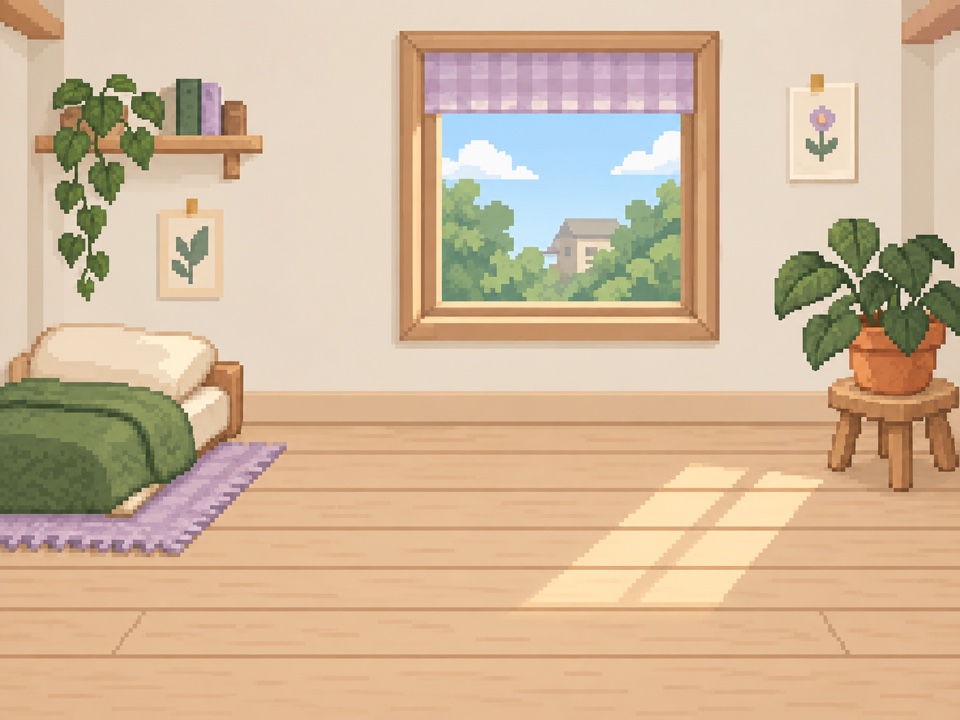
Taro lives in a room on your phone. Breaks can earn coins to buy him a snack or something to keep.
No streak to lose. No disappointed pet. Just a moment to notice.
- 01
Notice the detour.
While a Focus or session is active, Taro checks in on the apps you chose.
- 02
Choose your next moment.
Take a break, or keep using. Your apps are never locked, and you can return whenever you choose.
- 03
Come back to Taro.
Breaks can earn coins for snacks and keepsakes in Taro’s room. A little thank-you, not a score to protect.
Only when you want the help
On for Focus.
Off for you.
Work time? Study time? Connect hey to an Apple Focus, and your pal wakes up with it. Turn that Focus off, and your pal rests.
So when you’re done for the day, you can settle into that long video.
Just need a little help right now? Start a 30-minute, 1-hour, or 2-hour session in hey.
A few choices. Then you’re set.
Make room for a little pal.
- 01
Pick your apps.
Choose the apps where time tends to disappear. Apple’s Screen Time tools do the counting.
- 02
Choose when to check in.
After 5, 10, or 20 minutes of use. Start with what feels right. You can change it later.
- 03
Connect your Focus.
Add hey to a Focus in iPhone Settings. We’ll walk you through it. A short session works too.
That’s it. Leave hey in the background and get on with your day.
Good to know
A few little
questions.
Is hey watching everything I do?
No. hey uses Apple’s Screen Time tools to count use in the apps you choose. It doesn’t read your posts, messages, or searches. App choices and usage settings stay on your iPhone.
Can I keep using my phone?
Yes. “Take a break” sends you to the Home Screen. You can reopen the app right away—there’s no lockout. Or choose “Keep using” to continue. The confirmation controls vary by iOS version.
What are the coins for?
Coins are for Taro’s snacks and keepsakes in the Shop. Breaks can earn them, and reward timing is shown in the app. They aren’t real money, and there’s no streak to protect.
Does it interrupt me all day?
hey helps while your connected Focus or a manual session is on. When that ends, your pal rests. It only counts the apps and categories you select.
Do I need to keep hey on my screen?
No. Once you’re set up, you can go Home and leave hey in the background. You don’t need to sit in the app for it to help.
When can I meet my pal?
hey is available now on the App Store for iPhone (iOS 18 or later). Tap Get hey! to install. Prefer updates by email? Leave your address lower on this page for a share link and the occasional note from us.
What happens to my email?
If you leave your email, we save it for occasional updates and so we can give you a share link. If you share that invite link, we also record signups from it. The list stores your signup date and referral code; it doesn’t receive any of your phone-use data.
Already on the App Store
Your next phone habit
could be a little cuter.
Get hey on the App Store—or leave your email for a share link
and the occasional update.